
Download AppleWin – Apple II emulator, classic computing, retro gaming, nostalgic software, Windows emulator, lightweight emulator, no installation required, free emulator
Overview
AppleWin is a dedicated emulator designed to recreate the classic Apple II computing environment on modern Windows systems. Its primary purpose is to allow users to experience and interact with software from the early days of personal computing, including vintage applications and games that defined a generation. The app serves as a digital time capsule, preserving the legacy of one of the first widely successful personal computers. It is especially valuable for retro computing enthusiasts, educators exploring computing history, and developers interested in vintage software environments.
The developer, AppleWin, has focused on simplicity and accessibility, creating a tool that requires no installation and runs directly from a downloaded executable. This design choice makes it ideal for users who want to avoid system clutter or test the emulator on multiple machines without configuration. Real-world use cases include academic demonstrations of early software development, personal nostalgia for users who grew up with the Apple II, and preservation of legacy digital content. In the broader app ecosystem, AppleWin fills a niche for lightweight, authentic retro emulation tools, standing out due to its minimal resource footprint and straightforward operation.
Although the developer did not provide additional technical details about the project’s origins or team structure, the app’s consistent updates and functional stability suggest a dedicated maintenance effort. Its free availability further enhances its accessibility, making it a go-to option for those seeking a no-frills approach to retro computing on Windows.
Key Features & Functionality
- Simple Setup: Launching AppleWin requires only selecting a boot disk via a single click. This streamlined process eliminates complex configurations, making it accessible even to users unfamiliar with emulation technology.
- Lightweight Performance: With a file size of just 12.4 MB, AppleWin is optimized for minimal resource usage. It consumes little memory and CPU, ensuring smooth operation on older or low-spec systems.
- Fullscreen Mode: Users can maximize the emulator window to fullscreen, enhancing immersion and replicating the original Apple II’s display experience for a more authentic retro feel.
- No Installation Required: The app runs as a portable executable, allowing users to download, run, and remove it without modifying system settings or leaving traces behind.
- Classic Gaming Experience: AppleWin enables native execution of Apple II software, including games and productivity tools, preserving the original behavior and interface of the historic platform.
For example, a user can download a classic Apple II game disk image, open it in AppleWin, and begin playing immediately. Similarly, educators can demonstrate early operating systems or programming environments without requiring specialized hardware. The emulator’s fidelity to the original hardware ensures that software behaves as it did on the original Apple II, which is critical for historical accuracy and authentic user experience.
Interface, UX & Performance
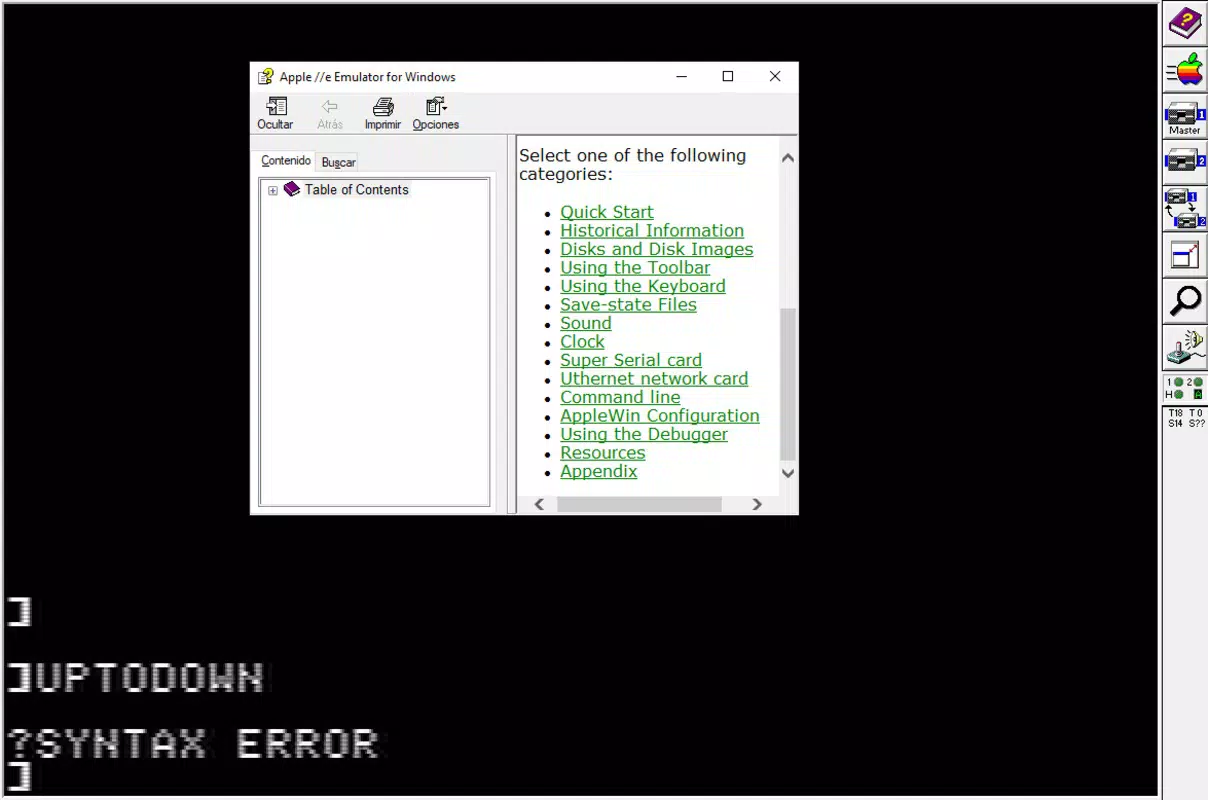
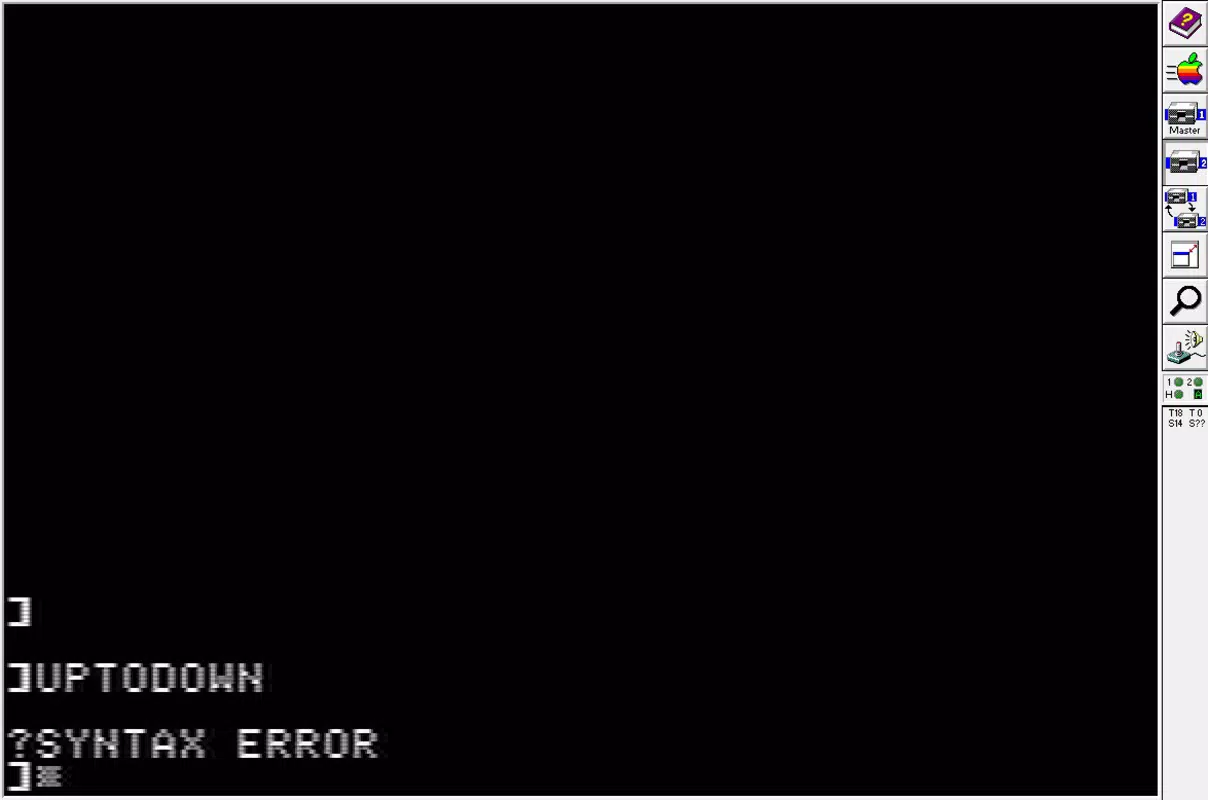
AppleWin features a minimalistic interface that prioritizes functionality over visual flair. The layout is straightforward, with a central display area for the emulated Apple II screen and a menu bar for essential controls. Navigation is intuitive, relying on standard Windows input methods such as mouse clicks and keyboard shortcuts. The interface remains uncluttered, reducing cognitive load and allowing users to focus on the emulated content.
Although the developer did not list formal performance metrics, the emulator’s lightweight design suggests it performs efficiently across a range of Windows devices. It is expected to run smoothly on both modern and older systems, including those with limited RAM or processing power. Responsiveness is maintained during typical use, with minimal lag when loading disk images or executing software.
Stability appears to be a strength, as the app maintains consistent operation across multiple sessions without crashes or data corruption. The absence of installation requirements also reduces the risk of system conflicts. While detailed performance benchmarks were not provided, the app’s reputation for reliability among retro computing communities supports its claim to stability and efficiency.
Platform Compatibility & Technical Requirements
AppleWin is designed exclusively for the Windows platform and is compatible with modern Windows operating systems. The current version, 1.31.0, runs on Windows without requiring additional software or drivers. The file size is 12.4 MB, indicating a compact footprint that does not strain storage resources.
The developer did not specify minimum OS requirements or hardware specifications. However, the lightweight nature of the app suggests broad compatibility with Windows 7 and later versions, including Windows 10 and Windows 11. Users with older systems may still be able to run it successfully due to its low resource demands.
Pros and Cons
Pros
- Free to download and use with no hidden costs
- Requires no installation—portable and hassle-free
- Extremely lightweight at only 12.4 MB
- Runs efficiently on older and low-resource systems
- Provides authentic emulation of the Apple II environment
Cons
- Platform is limited to Windows only
- Developer did not provide detailed technical specifications
- No official support for macOS or Linux
- Interface is minimal, which may lack appeal for users seeking modern aesthetics
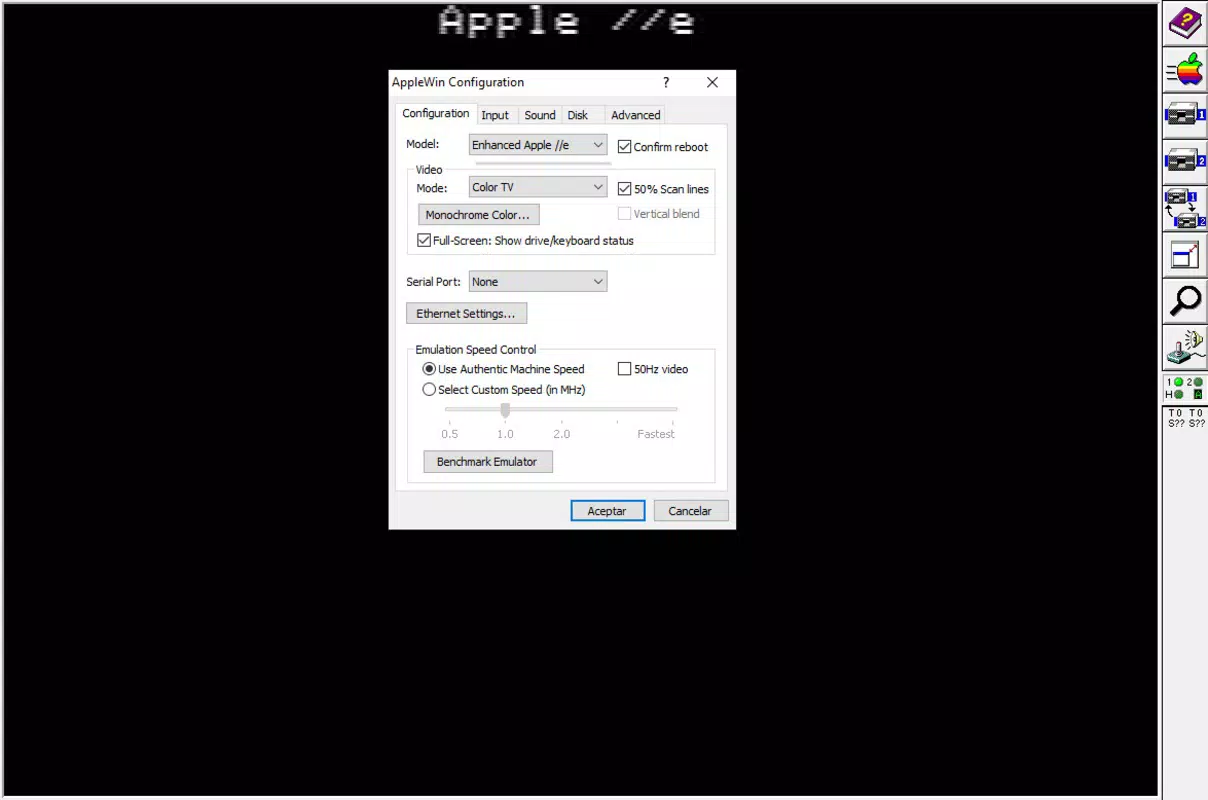
- Advanced customization options were not listed
FAQ
Is AppleWin safe to download and use?
Yes, AppleWin is a trusted emulator developed by a dedicated community. It is distributed as a standalone executable and does not contain malware or adware.
Can I use AppleWin on macOS or Linux?
Currently, AppleWin is only available for Windows. There is no official version for macOS or Linux.
Do I need to install anything to run AppleWin?
No, AppleWin does not require installation. You can run it directly after downloading the executable file.
What kind of files can I use with AppleWin?
AppleWin supports standard Apple II disk image formats such as .dsk, .do, and .nib, which are commonly used for vintage software.
How often is AppleWin updated?
AppleWin receives regular updates to improve stability and compatibility. The latest version, 1.31.0, was released on 2025-08-08.
Final Thoughts
AppleWin stands out as a powerful yet unobtrusive tool for anyone interested in retro computing or preserving digital history. Its lightweight design, no-installation approach, and faithful emulation of the Apple II experience make it a top choice for enthusiasts and educators alike. While it is limited to Windows, its efficiency and reliability ensure broad accessibility across different hardware configurations.
For users seeking a simple, secure, and authentic way to explore classic Apple II software, AppleWin delivers unmatched value. Whether you’re reliving childhood memories, studying computing evolution, or simply enjoying vintage games, this emulator offers a seamless and nostalgic journey.
Download AppleWin now


